How to Achieve Object Transparency in Melon Editor
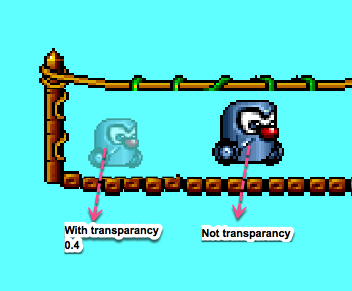
Object transparency Melon Editor – Creating a transparent effect for an object can add a dynamic visual element to your project. In the Melon Editor, this effect is commonly used to simulate shadows, watermarks, or the “dead” animation when a player’s character is hit by an enemy. Steps to Set Transparency in Melon Editor To […]
Configuring Gravity in Melon Editor – A Step-by-Step Guide
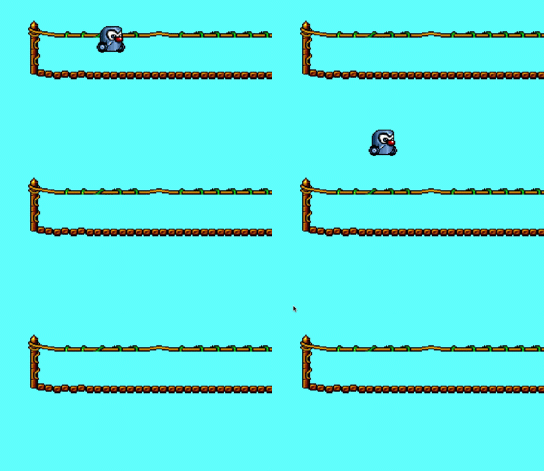
Melon Editor is a powerful tool for game development, allowing developers to fine-tune various aspects of their game objects. One important feature in Melon Editor is the ability to set gravity for game objects. This functionality can be crucial for creating realistic physics in your game. In this guide, we will walk you through the […]
Melon Editor: A Complete Guide to Managing Collision Masks
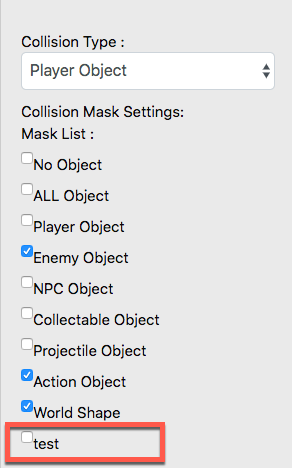
Melon Editor is a powerful tool for game developers who need to customize and manage essential elements in their projects. One crucial feature is the ability to adjust collision masks. This guide will walk you through the process of adding and removing collision mask types in Melon Editor with easy-to-follow steps. What is a Collision […]
Create a Variable Melon Editor A Step-by-Step Guide
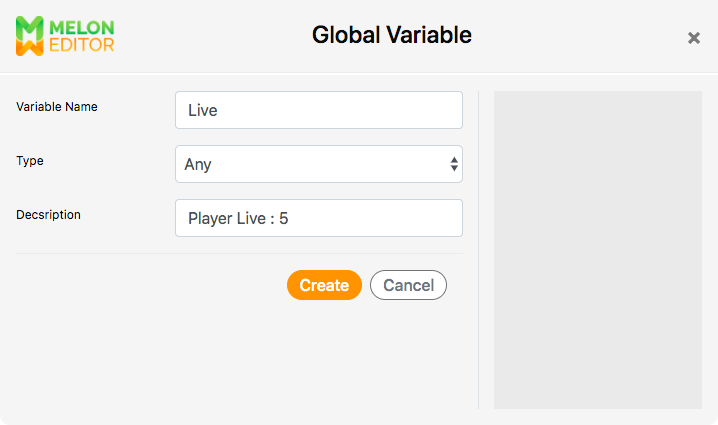
Create a Variable Melon Editor A Step-by-Step Guide – Creating variables is a fundamental aspect of programming in Melon Editor, essential for storing and manipulating data within your game projects. Whether you’re a novice or an experienced developer, understanding how to create variables effectively can greatly enhance your game development workflow. Understanding Variables in Melon […]
Complete Guide to Creating and Adding Sprites in Melon Editor for Game Development
In game development using Melon Editor, understanding how to create and add sprites to game objects is fundamental. Here’s a comprehensive tutorial: Understanding Game Objects A Game Object in Melon Editor refers to any visible and interactive element within a game. This can include sprites, obstacles, characters, enemies, and various environmental elements. Creating a Game […]
Guide to Creating a Tileset with Melon Editor
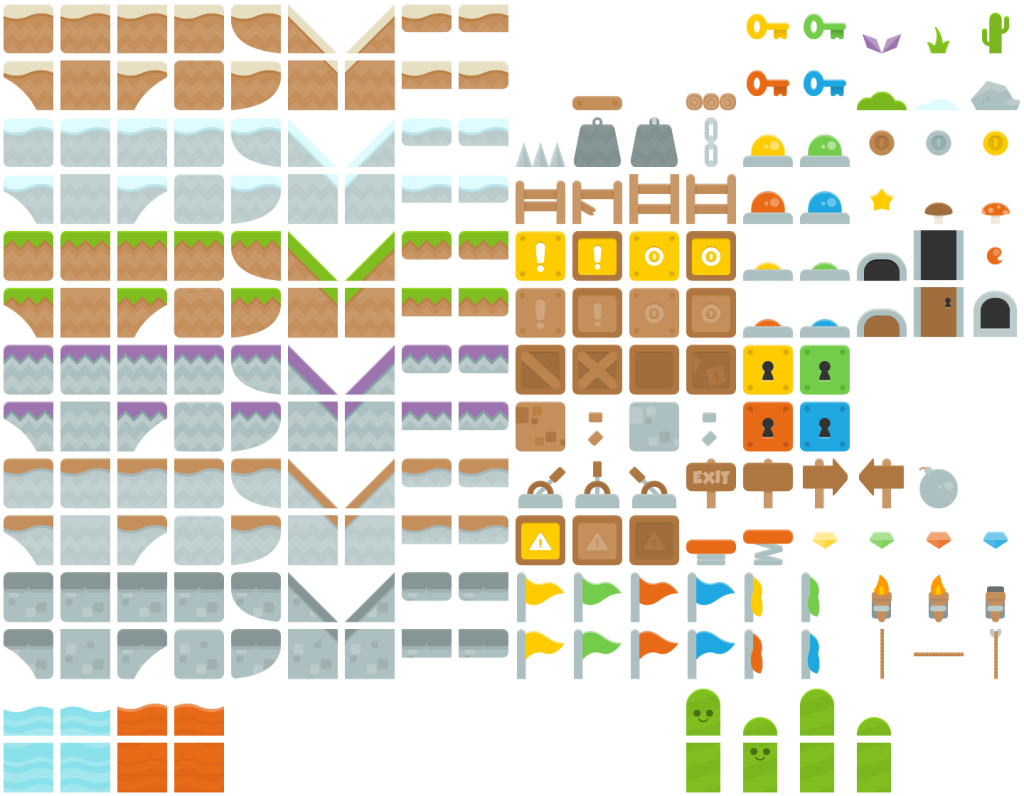
Creating a Tileset with Melon Editor – A tileset is a collection of images used to create a map for your game. With Melon Editor, you can add your own tileset and use it to design dynamic and engaging game environments. Creating a Tileset with Melon Editor To create a new tileset, follow these steps: […]
Flipping On Object in Melon Editor
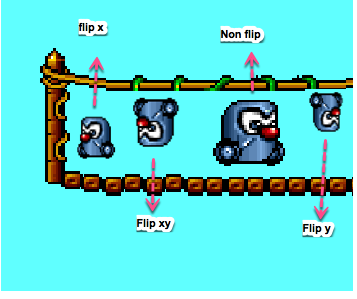
Are you ready to dive into the exciting world of game development using Melon Editor? As a game engine built on HTML5 and JavaScript, Melon Editor offers a user-friendly platform for beginners to unleash their creativity and bring their game ideas to life. In this comprehensive guide, we’ll walk you through the basics of creating […]
Unraveling the Game Developer’s Toolbox: A Comprehensive Guide to Free Game Assets
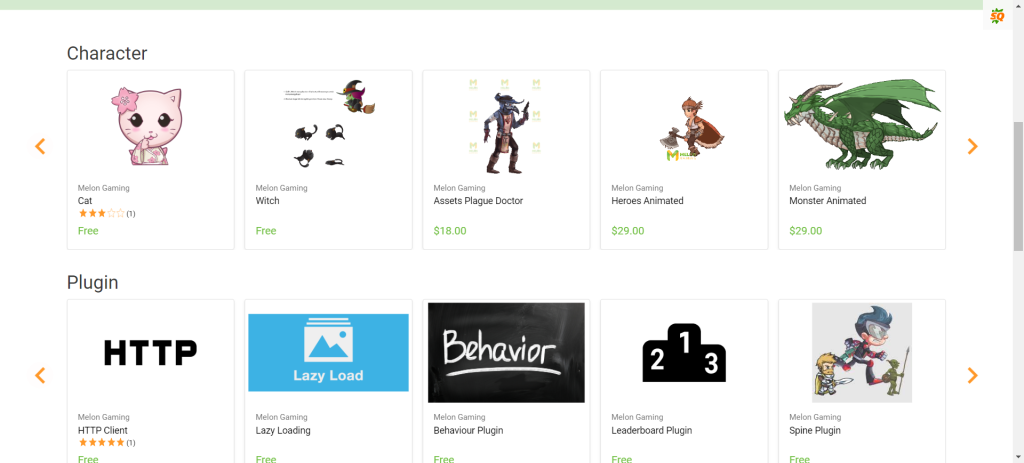
Embarking on the journey of game development is an exhilarating endeavor, but it often comes with its fair share of challenges, especially when it comes to acquiring assets. Fear not, for Game Lab is here to guide you through a curated list of seven top-tier websites offering a plethora of free game assets. From sprites […]
Unleashing the Power of Browser-Based Game Engines: Exploring the Future with Melon Gaming
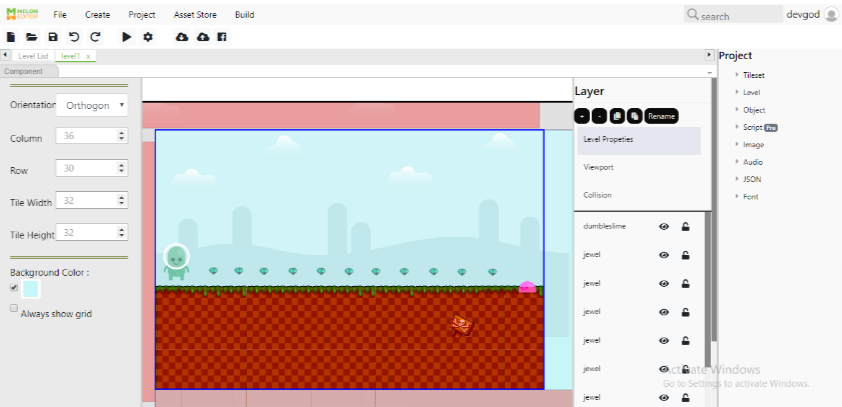
In the ever-evolving landscape of game development, the emergence of browser-based game engines has revolutionized the way games are created, played, and distributed. Among the pioneers in this realm, Melon Gaming stands at the forefront, offering innovative solutions that cater to both seasoned developers and aspiring creators alike. We delve into the realm of browser-based […]
Importing Your Game Project into Melon Editor Made Easy
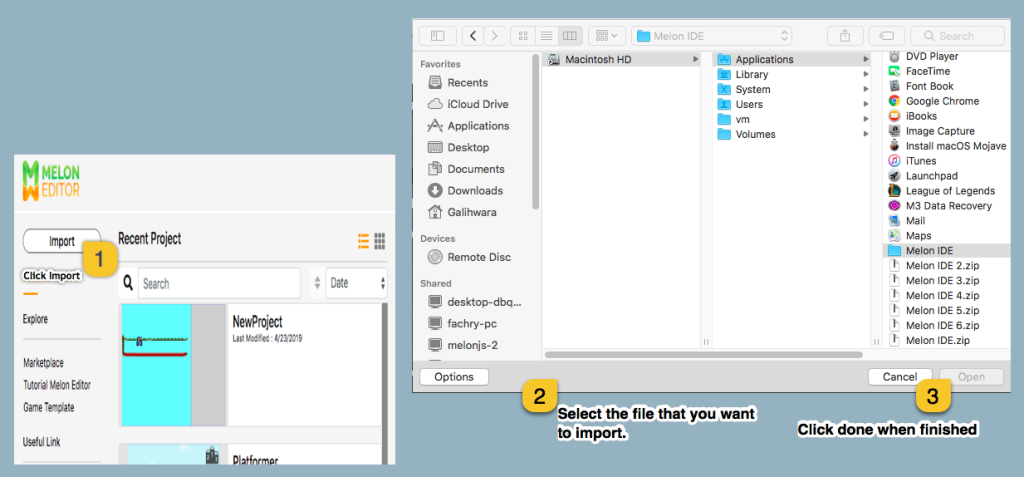
Are you a game developer who has been working on a project using a different account? No worries, Melon Editor has you covered. With Melon Editor, you can seamlessly import your existing game project into the platform. In this guide, we’ll walk you through the simple steps to import your project from external resources, making […]