Guide To Playing PUBG Mobile On PC
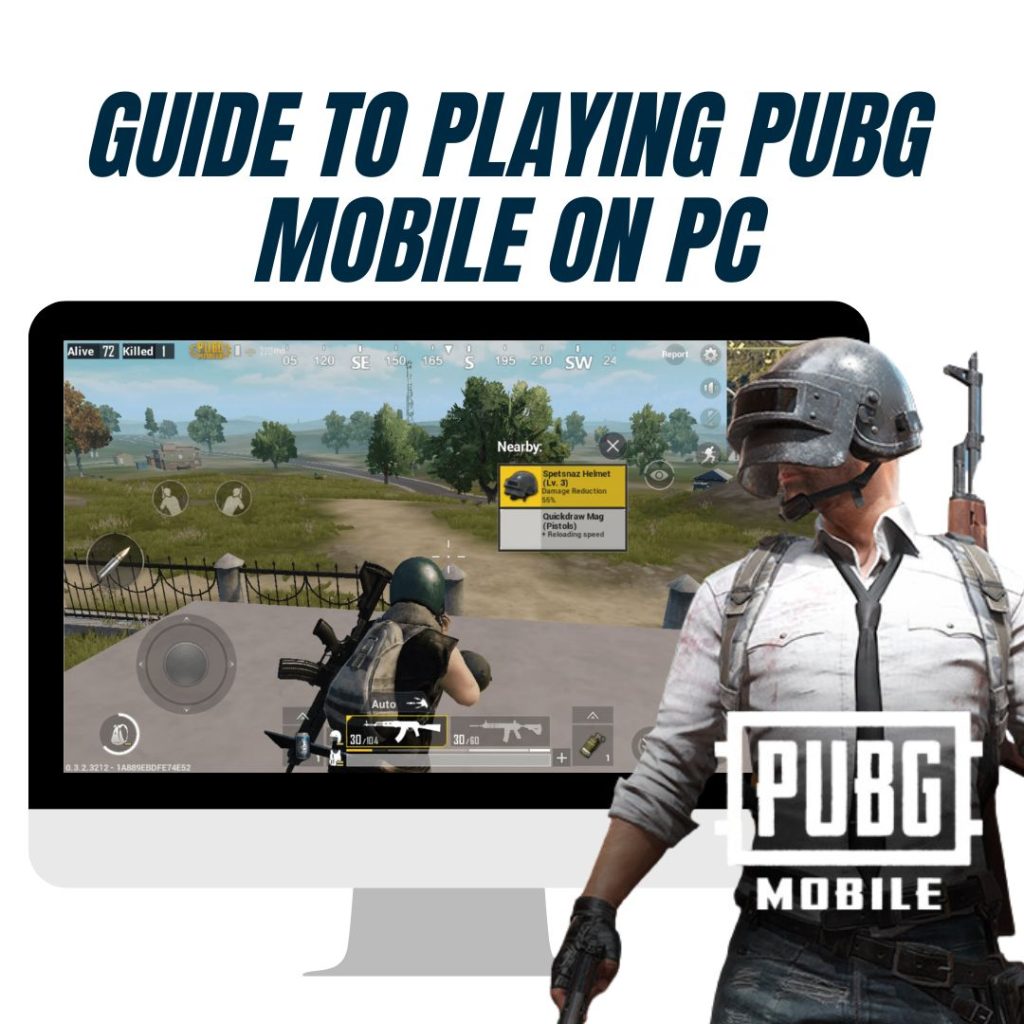
Guide To Playing PUBG Mobile On PC – Tencent has made the process of playing PUBG Mobile entirely smooth and transparent. If you’re wondering how to go about this, here are the quickest steps you can take to start playing PUBG Mobile on your PC: 1. Download The Correct Emulator Say goodbye to the fake […]
How To Play PUBG Mobile On PC? Simple And Easy Steps
PlayerUnknown’s Battlegrounds is a battle royale game developed by the PUBG Corporation. They recently collaborated with Tencent, bringing this gripping shooter-centric game to iOS and Android platforms. Playing the game with two thumbs doesn’t do enough justice to the number of unique actions you can perform in PUBG Mobile. But playing on a PC makes […]
Action Bolt Rifle pubg
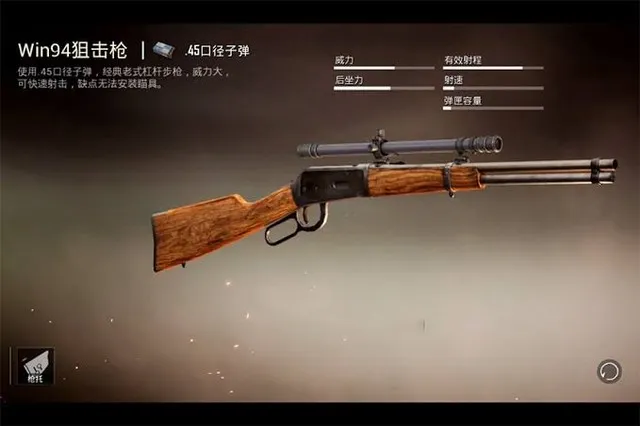
In PUBG Mobile, bolt-action rifles play a crucial role in engaging enemies from long distances. This article explores what bolt-action rifles are, their damage output, their role in the game, and a list of the best bolt-action rifles you can use. Table of Contents What is a Bolt-Action Rifle? A bolt-action rifle is a type […]
Tutorial Melon Editor Has Body Properties
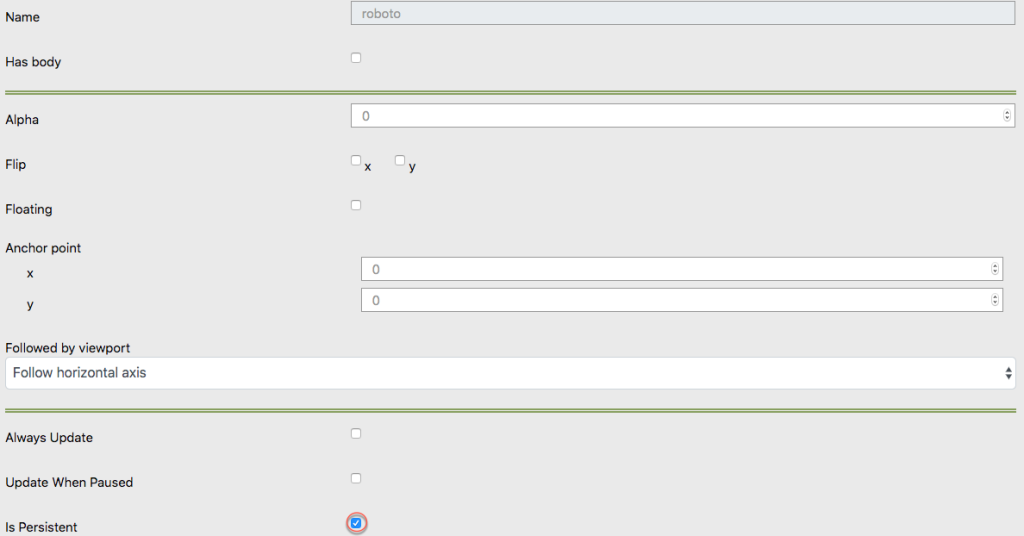
Has Body of Object When you opening game object and give the settings like this picture Then The object that you give body will have gravity and fall as shown in the picture bellow.
Understanding the “Game Persistent” Renderable Option in Melon Editor
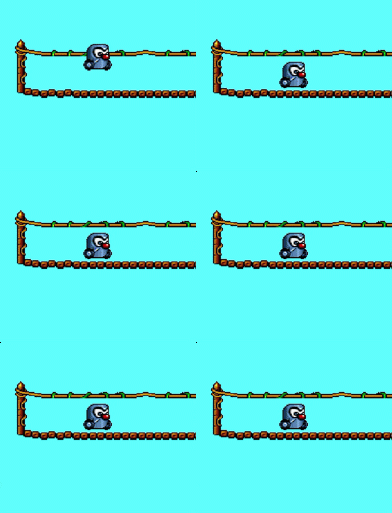
What is the “Game Persistent” Option? In Melon Editor, the “Persistent” renderable option is used to ensure that objects behave as solid entities within your game scene. This setting ensures that the object remains visible and maintains its physical properties based on your configuration. Essentially, with “Persistent”, what you set is what you will see […]
Understanding Anchor Points in Melon Editor

What is an Anchor Point? An anchor point is a critical element in positioning and animating objects in the Melon Editor. It serves as the central coordinate or reference point from which transformations and rotations are applied. Essentially, the anchor point determines how an object is aligned and how it behaves when manipulated. Common Anchor […]
How to Achieve Object Transparency in Melon Editor
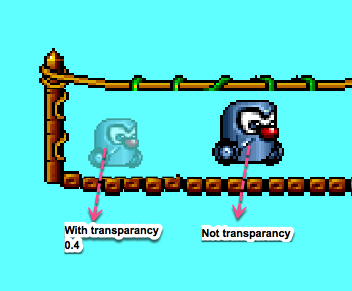
Object transparency Melon Editor – Creating a transparent effect for an object can add a dynamic visual element to your project. In the Melon Editor, this effect is commonly used to simulate shadows, watermarks, or the “dead” animation when a player’s character is hit by an enemy. Steps to Set Transparency in Melon Editor To […]
Configuring Gravity in Melon Editor – A Step-by-Step Guide
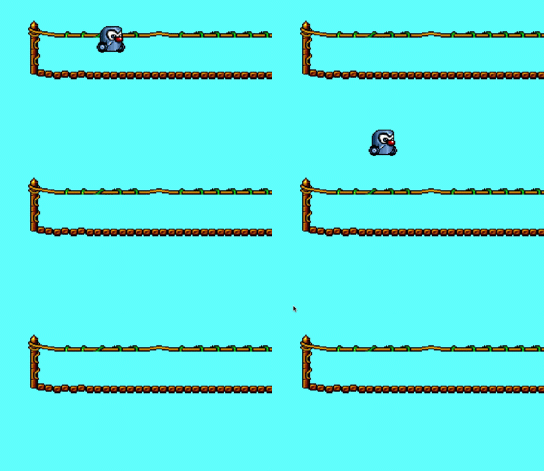
Melon Editor is a powerful tool for game development, allowing developers to fine-tune various aspects of their game objects. One important feature in Melon Editor is the ability to set gravity for game objects. This functionality can be crucial for creating realistic physics in your game. In this guide, we will walk you through the […]
Melon Editor: A Complete Guide to Managing Collision Masks
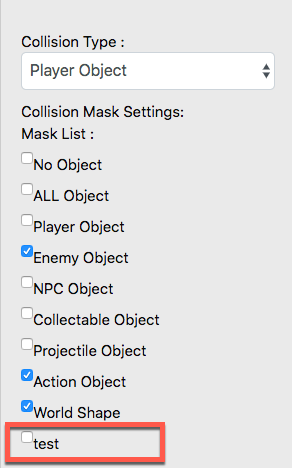
Melon Editor is a powerful tool for game developers who need to customize and manage essential elements in their projects. One crucial feature is the ability to adjust collision masks. This guide will walk you through the process of adding and removing collision mask types in Melon Editor with easy-to-follow steps. What is a Collision […]
Create a Variable Melon Editor A Step-by-Step Guide
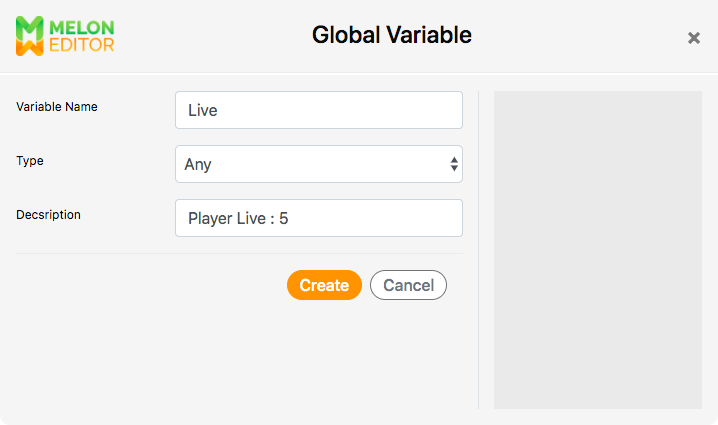
Create a Variable Melon Editor A Step-by-Step Guide – Creating variables is a fundamental aspect of programming in Melon Editor, essential for storing and manipulating data within your game projects. Whether you’re a novice or an experienced developer, understanding how to create variables effectively can greatly enhance your game development workflow. Understanding Variables in Melon […]