How to Publish Your Game to Android Using Melon Editor

If you’re using Melon Editor to develop your game, this guide will walk you through exporting your project for Android—from setting up metadata to generating the final APK file. 1. Setting Up Your Project in Melon Editor Before exporting, ensure your game is playtested and debugged. 2. Filling in Game Metadata These details will appear on the Google Play Store: […]
Melon Editor Blockly – Door object and Level transition

The last chapter of Melon Editor’s Blockly series. This chapter will show you how to create new level and make transition object to move to that new level. Welcome to Chapter 5 of our Melon Editor tutorial series! In this guide, we’ll show you how to create smooth level transitions in your game using object triggers and variables. Whether […]
Creating Enemy Characters in Melon Editor Blockly
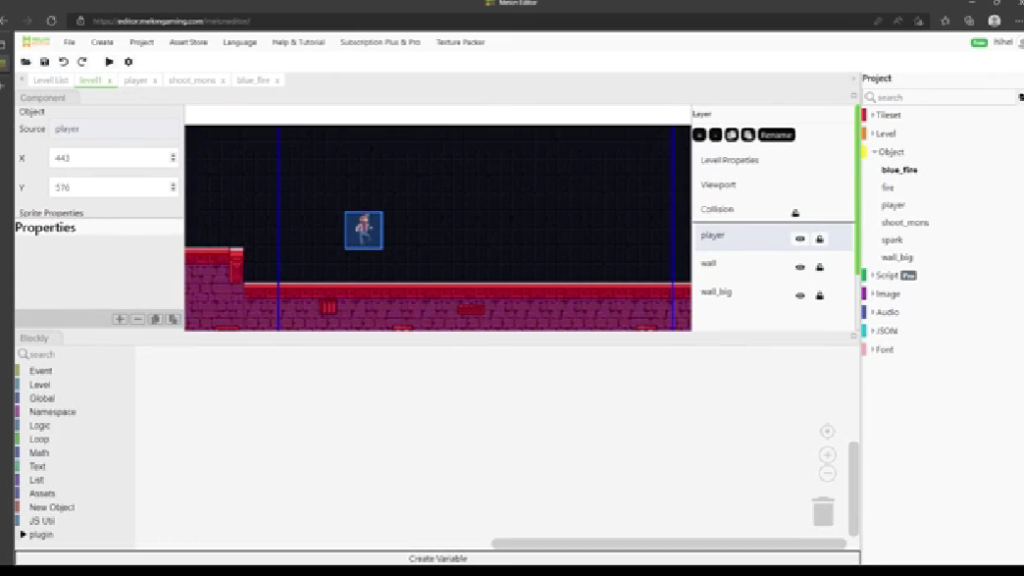
In this chapter of our game development series using Melon Editor Blockly, we’ll create an enemy object that faces and attacks the player character. This guide follows the exact steps from the referenced YouTube tutorial. Step-by-Step Implementation Important Notes: Troubleshooting Tips: The tutorial maintains all original terminology and concepts from the source material while presenting […]
Melon Editor’s Menu Bar: Features & How to Use
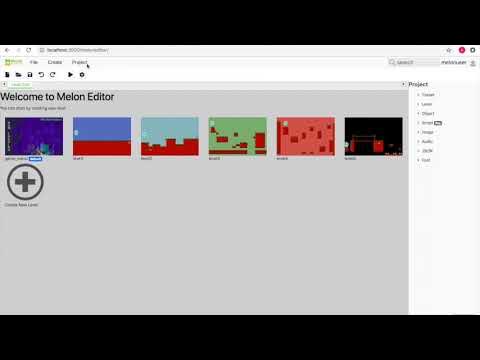
What is the Menu Bar in Melon Editor? The menu bar is a core component of Melon Editor, designed to manage all aspects of game development. It consists of 5 main sections, each serving specific purposes to streamline your workflow. Detailed Breakdown of Melon Editor’s Menu Bar 1. File Tab (00:01 – 00:59) Key functions for […]
The Art of Digital Character Creation: A Masterclass in Melon Editor
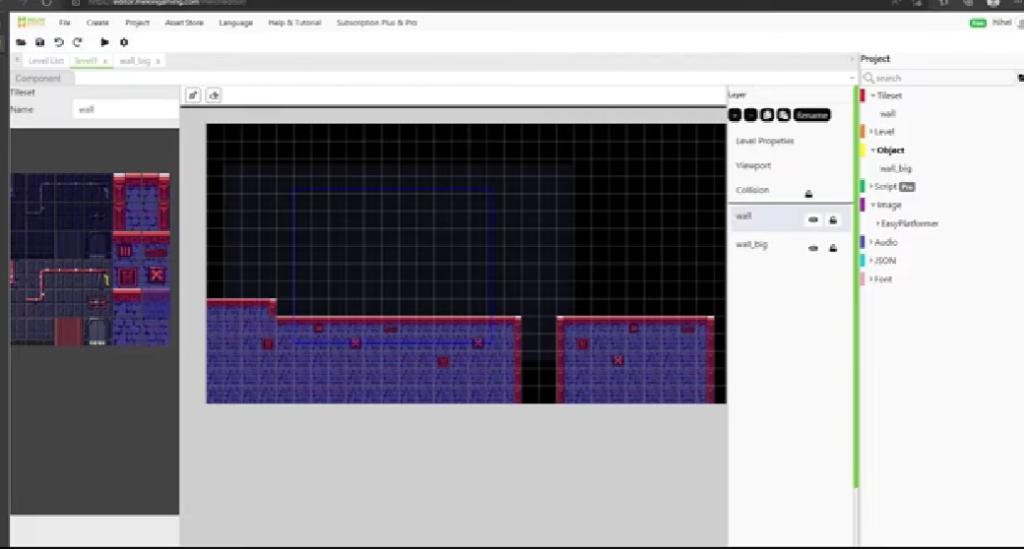
In the digital atelier of game development, character creation stands as one of the most magical processes. Melon Editor’s Blockly system transforms this complex art form into an accessible journey, where every developer—regardless of coding background—can craft memorable virtual beings. This comprehensive guide unveils the nuanced craft behind creating compelling game characters that players will […]
Introduction to Melon Editor – A Powerful Game Development Tool
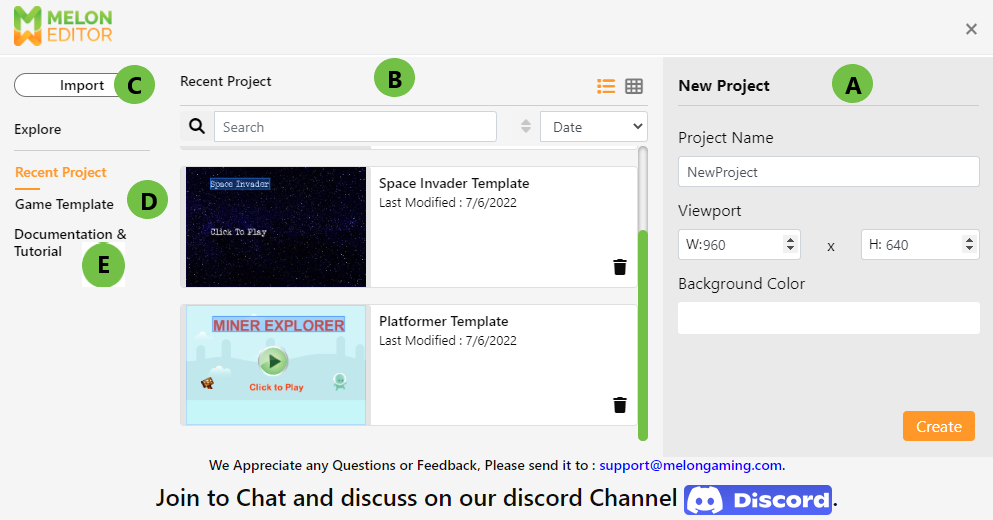
Melon Editor is an innovative game development platform designed for both beginners and experienced developers. With its user-friendly interface and robust features, it allows users to create 2D games without extensive coding knowledge. Whether you’re an indie developer, educator, or hobbyist, Melon Editor provides the tools needed to bring your game ideas to life. In […]
Ultimate Guide: Creating a Fully Interactive Main Player in Melon Editor – Step-by-Step Tutorial with Animations & Blockly Controls

Introduction Game development thrives on interactivity, and the main player is the heart of any engaging experience. Whether you’re crafting a platformer, RPG, or adventure game, Melon Editor provides powerful tools to bring your protagonist to life. In this 1,000+ word guide, you’ll master:✅ Sprite setup & animation creation✅ Physics & collision configuration✅ Blockly-based player controls✅ Optimization tips for smoother gameplay Designed […]
Using Animator in Unity – A Step-by-Step Guide by Melon Gaming
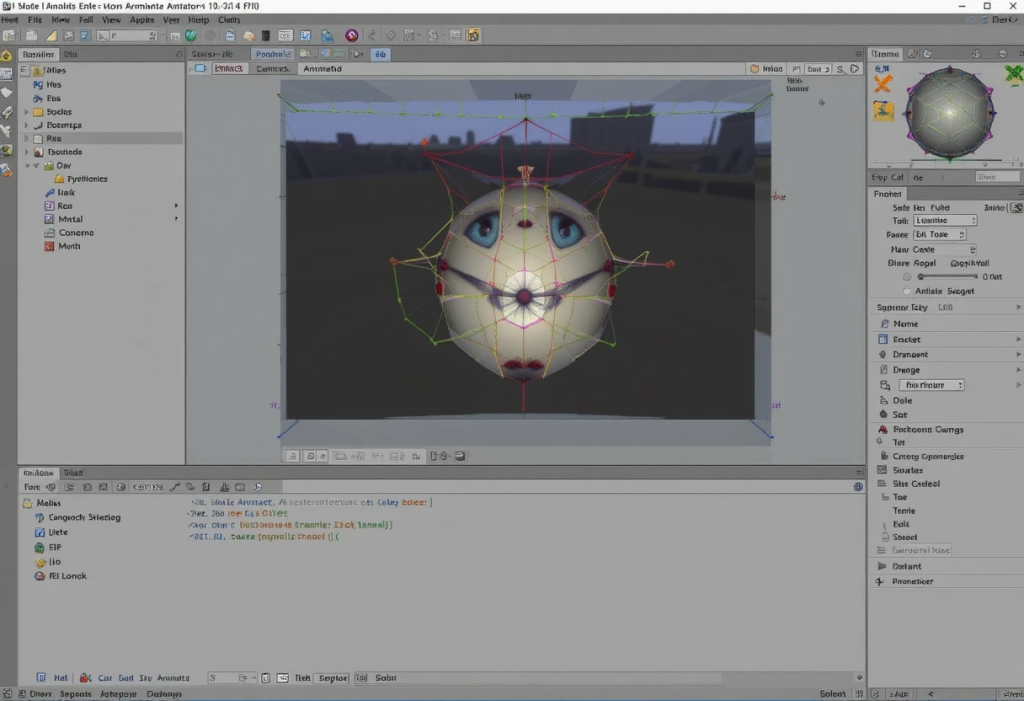
In this tutorial, we will explore how to use the Animator in Unity to create and manage animations for a 3D object. Animator Controllers are an essential part of Unity for animating characters and other objects in your game, and by the end of this guide, you’ll be comfortable using them to animate a simple […]
Tutorial Melon Editor Has Body Properties
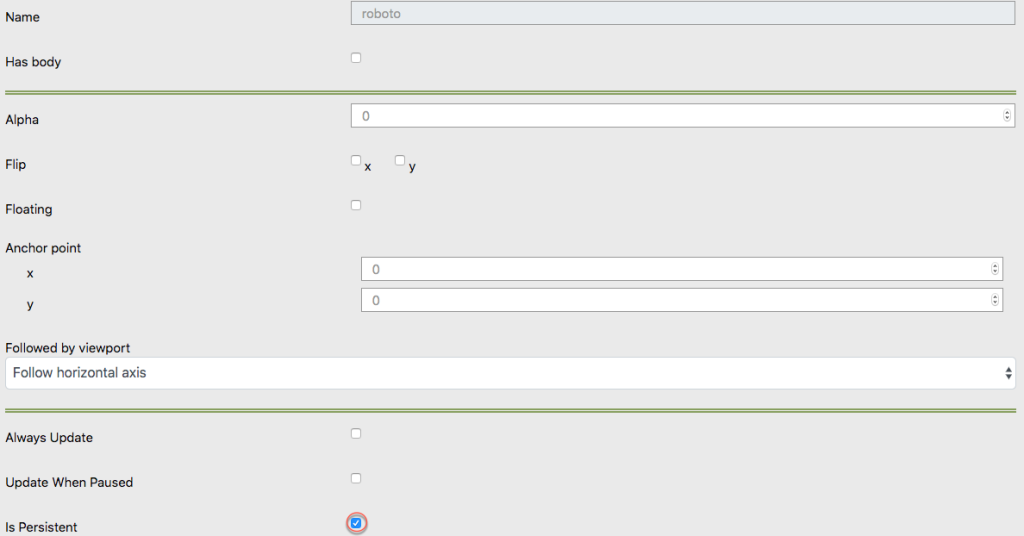
Has Body of Object When you opening game object and give the settings like this picture Then The object that you give body will have gravity and fall as shown in the picture bellow.
Understanding the “Game Persistent” Renderable Option in Melon Editor
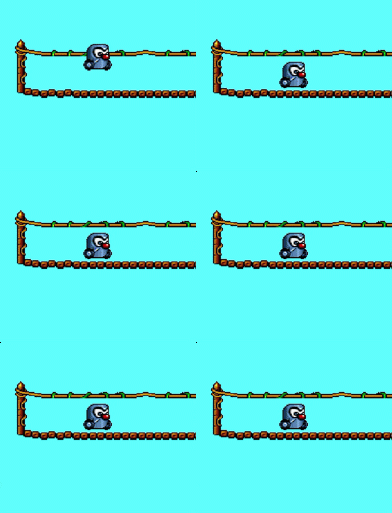
What is the “Game Persistent” Option? In Melon Editor, the “Persistent” renderable option is used to ensure that objects behave as solid entities within your game scene. This setting ensures that the object remains visible and maintains its physical properties based on your configuration. Essentially, with “Persistent”, what you set is what you will see […]